Key takeaways
Export a 4:5 Feed image at 1440 x 1800 and a 9:16 file at 1440 x 2560 when the Ads Guide is not open yet.
Add a square only for a square placement.
AdNabu reports that stock-photo ads only support 1.91:1, so check that placement before you export 4:5.
If the file is video, open that placement's video line before you reuse the image width.
Export 4:5 and 9:16 before a square
For a Facebook Feed, Stories and Reels ad set, make two files: 4:5 for Feed, and 9:16 for Stories and Reels. The square is the optional file.
What to make for Feed, Stories and Reels
Work in this order. Use these widths if you are cutting the file before you have the Ads Guide open.
- Make the Feed image at 4:5, at 1440 x 1800. If desktop Feed is on, confirm that placement offers 4:5 before you use this file there.
- Make the Stories and Reels image at 9:16, at 1440 x 2560. If the file is video, open that placement's video line before you reuse the image width.
- Add a 1:1 file only if a square placement is on, or the catalogue has to be 1:1.
- Add a right-column file only if that placement is on.
Ryze AI treats 1:1 at 1080 x 1080 as the safest Feed default, because one file can serve Feed, carousel, Marketplace, the right column and Messenger. That cuts the export count, and it gives up the taller Feed frame.
Add the 1:1 file for a square placement, then take the width from that placement in the Ads Guide. Hellyeah lists 1440 x 1440 for carousel and Marketplace. DesignerBox says it read the Ads Guide and Business Help Center in October 2026, and reports a square floor of 1080 x 1080 and no higher recommended square size. Camclo3d's account of the Ads Guide gives 1:1 of at least 1080 x 1080 for Marketplace, Facebook search results and Facebook Feed carousels.
Catalogue creative has its own condition. DesignerBox reports that catalogue images must all be 1:1 or all 4:5. That report was not checked against Meta, so confirm it on the placement before you lock every catalogue image to one of those two ratios.
If the right column is on, take the size from the right-column line in the Ads Guide rather than from the Feed file.
Sizes by placement
On 20 October 2026 the pixel width was still split across these pages.
| Placement | Export until you check the Ads Guide | Other width still printed | | --- | --- | --- | | Facebook Feed image | 1440 x 1800 at 4:5 | 1080 x 1350 and 1080 x 1080 | | Stories and Reels image | 1440 x 2560 at 9:16 | 1080 x 1920 | | Facebook Reels video | 1440 x 2560 at 9:16 | 1080 x 1920 |
Until the Ads Guide for that placement shows another size, export 1440 x 1800 for a 4:5 Feed image and 1440 x 2560 for a 9:16 Stories or Reels file. Camclo3d's account of the Ads Guide gives those sizes, and it does not limit 1440 x 2560 to images. DesignerBox and Hellyeah print the same upload sizes. ScreenSnap and Ads Uploader still recommend 1080 x 1080 or 1080 x 1350 for Feed. ScreenSnap also prints 1080 x 1920 for Stories and Reels. Hustle Marketers keeps 1080 x 1350 as the Feed recommendation and 1440 x 1800 as the higher-resolution option.
Widths that should not become the export
1200 x 628 is a wide Feed size. SaveMyLeads recommends it for a Facebook Feed image, and ScreenSnap lists it for a wide Feed image. Do not use either figure for the 4:5 export. AdNabu, a vendor page, says ads using stock photos only support the 1.91:1 ratio, and that report was not checked against Meta. If the file uses stock photos, confirm the placement accepts 4:5 before you export it.
For video, Ryze AI reports MP4 or MOV, a maximum of 4 GB, and a duration of 1 second to 240 minutes.
Separate the floor from the size you upload
A Feed file at the 600 x 600 minimum Ads Uploader prints can clear that floor and still miss the recommended size on the same line.
1080 x 1350 and 1440 x 1800 are the same 4:5 ratio. 1080 x 1920 and 1440 x 2560 are the same 9:16 ratio. A 1440-wide file can be scaled down to the 1080-wide size at the same ratio, so the interim image export covers both reported widths.
Reported safe-zone bands, checked in the preview
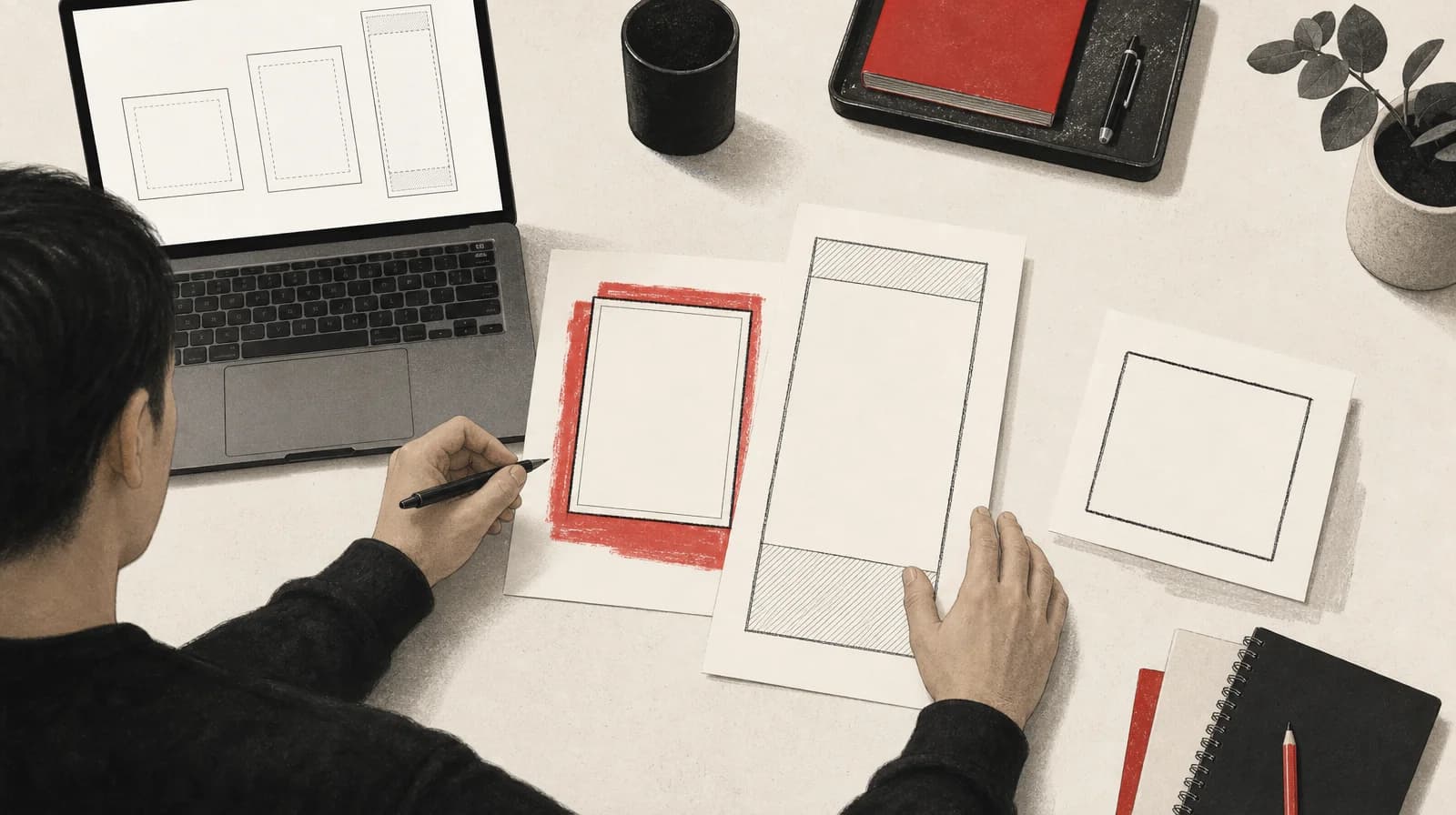
DesignerBox reports a 9:16 safe zone of 14% at the top, 35% at the bottom and 6% on each side, applied to Stories and Reels together, on a recommended file of 1440 x 2560.
Put the band you are designing to next to the placement preview in Ads Manager, for the placement you bought. The empty bands are there because interface chrome covers them. If the preview covers a price, a logo or the product edge, move it.
Hellyeah says a 4:5 upload to a 1:1 placement is cropped to the centre. That was not checked against Meta. If a square placement is on, export the square rather than planning on that crop.
Write down the objective and the date
Before the next export, open the Meta Ads Guide on the image or video placement you are buying, and Meta's recommended minimum image sizes page in Business Help Center. Write down the objective selected in the Ads Guide view, the recommended size, the recommended minimum, and the date. If the Ads Guide and a cheat sheet disagree, export the size the Ads Guide shows for that placement.
Sources
- Meta Ads Specs 2026: Sizes, Ratios and Limits for Every Placement camclo3d.com S1 says the size Meta's Ads Guide recommends for Marketplace and Facebook Feed carousels is 1:1 at no less than 1080 x 1080 pixels. It says the same for Facebook search results.
- Meta Ad Specs: Image Ad Sizes for Each Placement (2026) designerbox.ai Vendor page. Cites Meta Help Centre pages as read October 2026. Does not independently confirm Meta.
- Meta and Facebook Ad Sizes 2026: All Specs in One Table hustlemarketers.com Distinguishes three kinds of number Meta publishes for each placement. Framing only; figures not checked against Meta.
- Meta Ad Specs: Facebook and Instagram Format Guide hellyeahai.com Claims three formats cover every Meta placement: 4:5 at 1440 x 1800 for Feed, 1:1 at 1440 x 1440 for carousel and Marketplace, and 9:16 at 1440 x 2560 for Stories.
- Meta Ads Size Guide 2026 adsuploader.com Example of the 1080 figures: Feed recommended 1080 x 1080 or 1080 x 1350, minimum 600 x 600. Useful as evidence of disagreement, not as a Meta spec.
- Facebook Ad Specs & Creative Requirements: 2026 Guide blog.adnabu.com In its Facebook Feed image section, AdNabu notes that ads using stock photos support only the 1.91:1 ratio. This contradicts the article's line that Two Owls is the only page here adding a 1.91:1 condition.
- Facebook Ad Image Sizes in 2026 admakeai.com Says Ads Manager defaults to 1:1, but attributes a 4:5 recommendation of 1080 x 1350 for single Feed ads to Meta's docs. Conflicts with S1 and S2 attributing 1440 x 1800 to current guidance.
- Facebook Ad Sizes 2026: Complete Specs Guide screensnap.pro Main answer: Feed 1080 x 1080 or 1080 x 1350, Stories and Reels 1080 x 1920. Also lists 1200 x 628 for wide Feed.
- Meta Ad Sizes 2026: Facebook & Instagram Specs + Safe Zones get-ryze.ai Says 1:1 at 1080 x 1080 is the safest Feed default because one asset serves Feed, carousel, Marketplace, the right column and Messenger.
- Best Image Size for Meta Ads savemyleads.com Still recommends 1200 x 628 for a Facebook Feed image. Used only as evidence of the disagreement, not as an export size.
- Meta Ad Image Sizes & Specs: The Complete 2026 Guide adadvisor.ai Asserts Meta recommends 1440 px dimensions in 2026, up from 1080 px, for high-density screens. No date or changelog. A hypothesis about the disagreement, not an established change.