Key takeaways
Several threshold hits can mean several debits in one month.
Compare each debit with the threshold on Billing Summary and the next automatic payment date.
Where the payment methods page shows a 30-day count, add 30 days from the last automatic charge.
Google may charge slightly above the threshold if costs accrue very quickly.
If Edit threshold is absent, you cannot change it.
When postpay charges
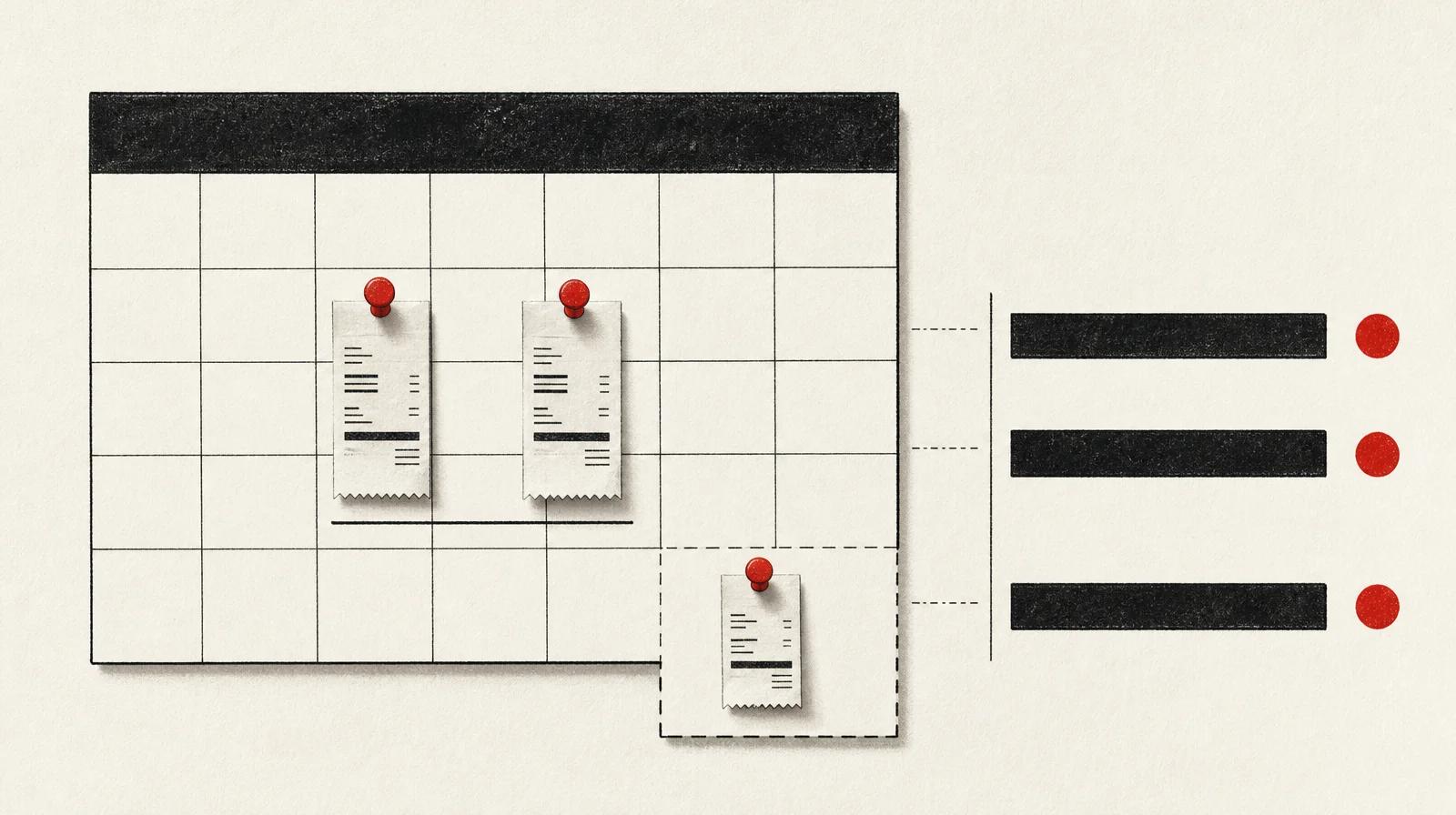
On postpay, Google Ads charges the payment method after the ads have run. The help page Change how often you're charged names two clocks: the account is charged when it reaches the payment threshold, and on the first day of the month. If advertising costs do not reach the threshold during the month, you are still billed on the 1st of the following month.
The threshold is the amount at which that charge happens. On About the postpay payment setting, Google says the threshold can be raised automatically if costs reach it before the end of the monthly billing cycle. The amount charged may be slightly more than the threshold if costs accrue very quickly. The current figure is on the Billing Summary page.
On About payment settings in Google Ads, Balance is the current balance, or the amount owed. It is charged on the date shown in the next automatic payment card, or when you reach the threshold. That date is one point in the cash plan, and a threshold charge can still land before it. The settings page still calls the card the "next automatic payment card" after the setting itself was renamed postpay.
A 30-day count on the payment methods page
On About payment methods for Google Ads, a credit card added as the primary payment method is charged when advertising costs reach a predetermined amount, or 30 days after the last automatic charge, whichever comes first. That wording is in a country section, so it does not apply to every country the English page can show. Change how often you're charged uses a different pair: the threshold, and the 1st of the month.
For cash timing, use the date on the next automatic payment card, and allow for a threshold charge before that date. Where the account's country section shows a 30-day count for the method in use, keep that count separate from the threshold and the 1st.
A higher threshold changes the debit
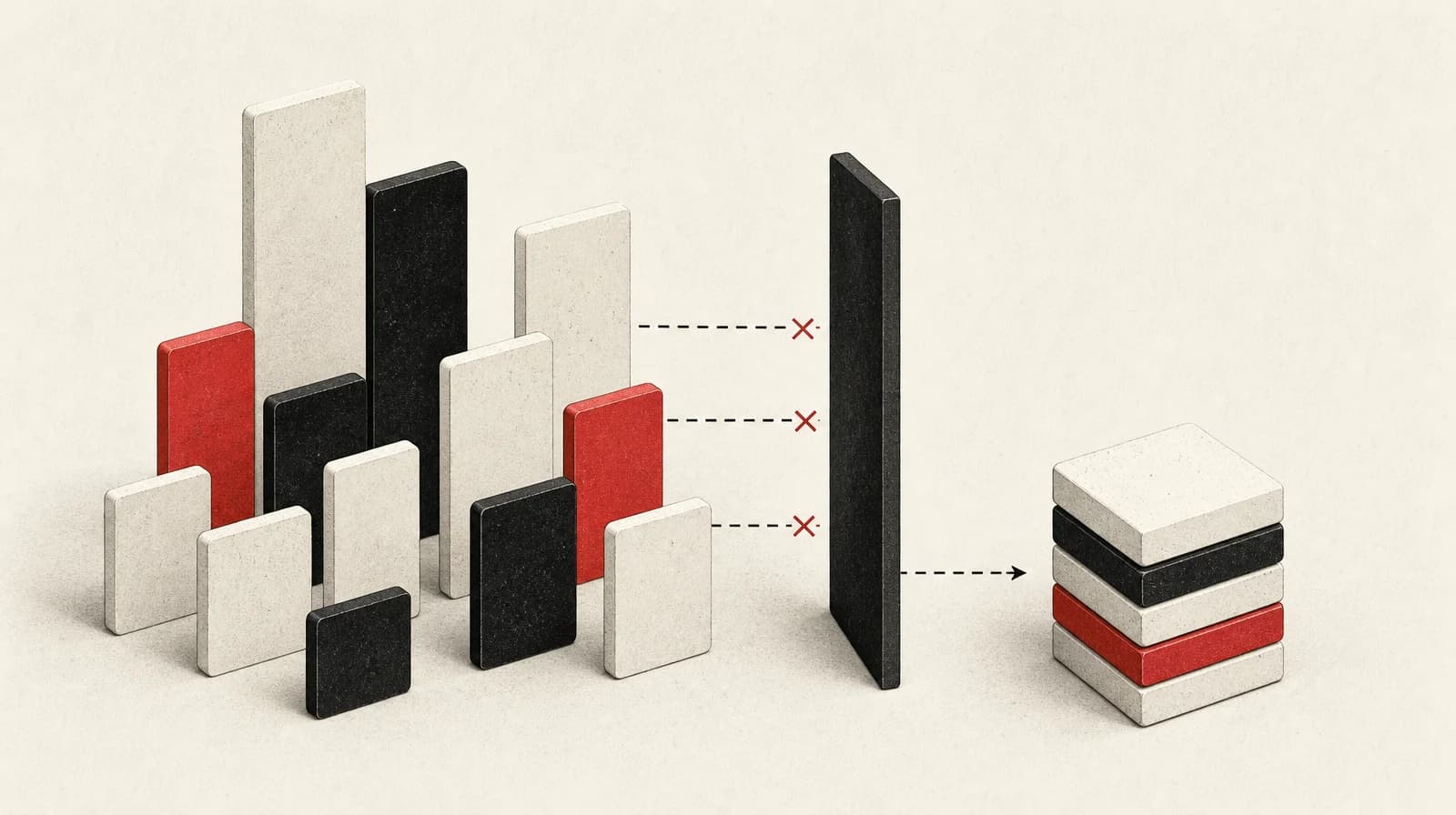
Some advertisers can raise the payment threshold. Google's postpay page says you are then charged less often, and the charges are higher.
If Edit threshold does not appear, you cannot currently change it. Google says the system sets the threshold and may raise it as you consistently advertise and reach the current amount. The postpay page names Opt out of automatic threshold increases as the control for adjusting the threshold yourself. No edit option means that control is not in the account you are looking at.
Some advertisers in the United States may have thresholds adjusted automatically to allow fewer monthly charges. Where that applies, those advertisers can follow the postpay page steps to adjust the threshold or opt out of automatic increases. Where Edit threshold is shown, the English postpay page and the Australia postpay page both let you set the threshold at the recommended amount, or at any amount up to that value. Use the control and the amount in the account.
Google's illustration is a threshold of $50 USD that might rise to $200 USD or more if it is reached multiple times. The example is in US dollars. The threshold that applies is the one on Billing Summary.
A higher threshold does not cut spend. The charge rules collect costs that have already accrued, so where the account allows a higher threshold, it changes the size and spacing of collections.
Match the debit to a documented trigger
Work in this order.
- On Billing Summary, note the current threshold, the balance, and the date on the next automatic payment card. Compare each recent debit with the threshold in the account, not with a figure remembered from an earlier month.
- If there is more than one debit in the month, check whether the threshold was reached more than once. If one amount is slightly above the threshold, check whether costs were accruing quickly.
- If a debit is dated the 1st, check whether it bills costs that stayed under the threshold. Change how often you're charged says that bill still falls on the 1st of the following month.
- Where the account's country section shows a 30-day count for the method in use, compare the debit with 30 days after the last automatic charge, as well as with the threshold. A match there is a published trigger.
- If a later debit is larger, check whether the threshold was raised after earlier hits. An automatic rise, when costs reach the threshold before the end of the monthly billing cycle, is documented on the postpay page.
- If none of those comparisons fit, these triggers do not explain the debit. Check the payment method in Settings, then use Contact us on Google Ads Help.
Payment setting and payment method are different choices
Postpay and prepay are payment settings. They decide when the money has to be in place. The payment method is what Google charges. It is a separate choice.
You pay before the ads run on prepay, and you are charged after they run on postpay. You choose the payment setting when the account is created. If the account is eligible, Google shows a button labelled "Switch to postpay" or "Switch to prepay". The direction available is the one that button offers. A switch from postpay to prepay is possible only in countries where prepay is available. If the account is on prepay and that option is no longer available in its country, the only switch is to postpay, and the account cannot switch back.
Monthly invoicing is a separate setting on some country versions of the settings page. Do not plan monthly invoicing with the threshold and the 1st on Change how often you're charged.
The settings page is not one global menu. In one country version, Google lists three settings: postpay, formerly automatic payments; prepay, formerly manual payments; and monthly invoicing. Another version lists postpay and prepay only. If a finance note still says automatic payments, change the name to postpay, then use the threshold and the date on the next automatic payment card. The old name does not show whether that account bills on the 1st or on a 30-day count.
Sources
- About payment settings in Google Ads support.google.com Fact dispute: the current S1 page qualifies the switching sentence. You can switch from postpay to prepay only in countries where prepay is available.
- About the postpay payment setting support.google.com The English (hl=en) postpay page also says the threshold can be set at the recommended amount or any amount up to the recommended value. The same cap appears on the Australia (en-AU) page, so the article and FAQ are wrong to treat it as Australia-only or to say the other postpay page lacks it.
- Change how often you're charged support.google.com With postpay, Google charges when the account reaches the payment threshold and on the first day of the month.
- About payment methods for Google Ads - Google Ads Help support.google.com Supports the credit-card sentence in the dek and takeaways. On the hl=en version of Google's payment methods page, a credit card that is the primary payment method is charged when advertising costs reach a set amount, or 30 days after the last automatic charge, whichever comes first.
- Payment Threshold in Google Ads: How Postpay Billing Works ivitskiy.com Secondary practitioner restatement. A worked split of $275 against a $250 threshold, with the remainder on 1 September, is attributed to Google's help and was not in the Google excerpts used here, so it is not used as a measured result.
- Automatic Payments Renamed to Postpay, Manual Payments to Prepay spilnoagency.com.ua Agency news post. The rename itself is confirmed by Google's settings page (S1).
- Google Ads Billing Thresholds clikim.com Vendor page says Google charges when spend hits the billing threshold or every 30 days, whichever comes first. This conflicts with Google's current help (S3), which says the threshold and the first day of the month.
- About the postpay payment setting (Australia) support.google.com Australia variant: you can set the payment threshold at the recommended amount or any other amount up to the recommended value. Do not copy that cap onto another country unless the account shows it.