Key takeaways
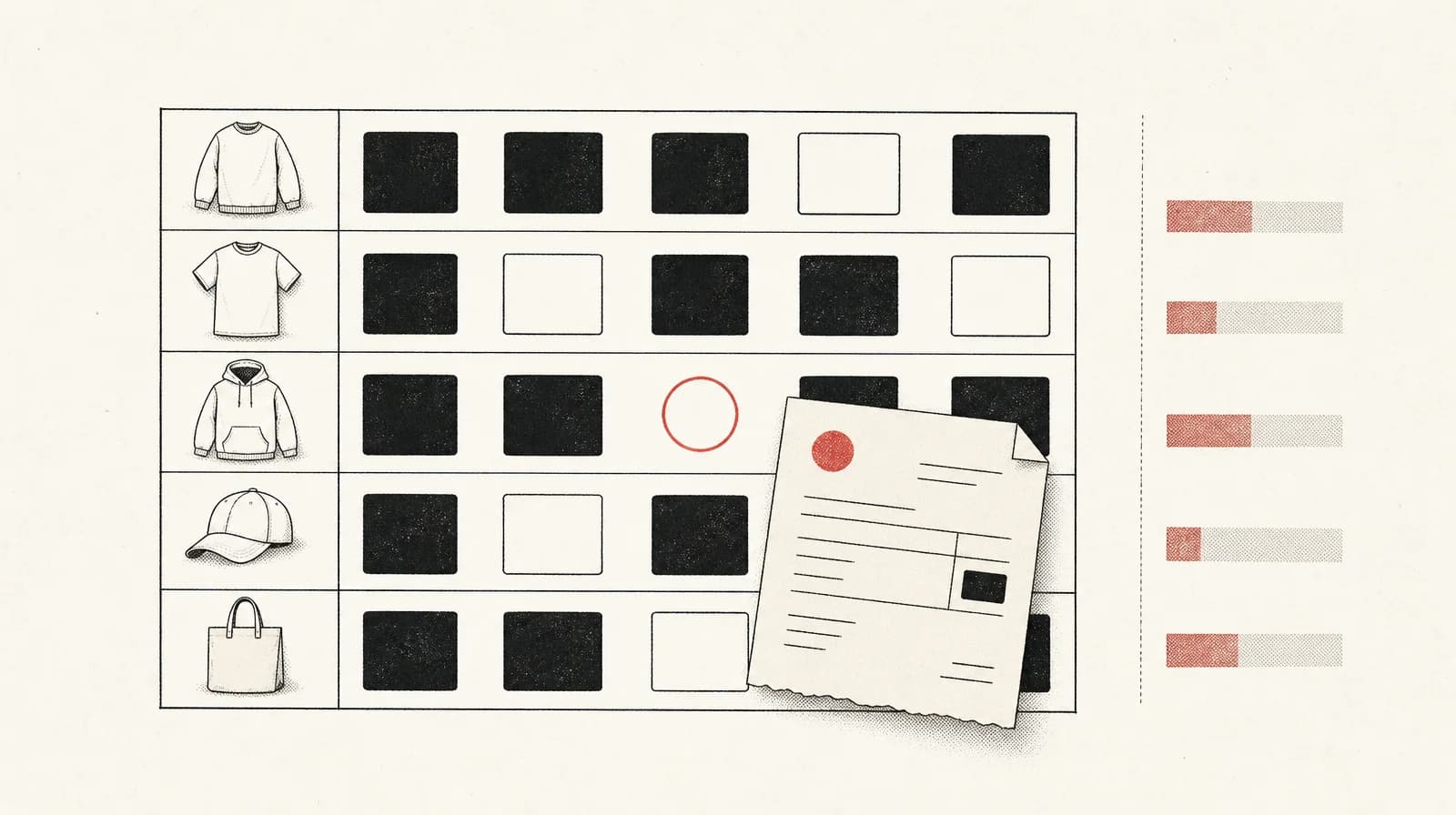
An assistant can flag blank, zero, cost-at-or-above-price and partial-variant gaps in a Cost per item export, excluding gift cards.
It cannot confirm true cost.
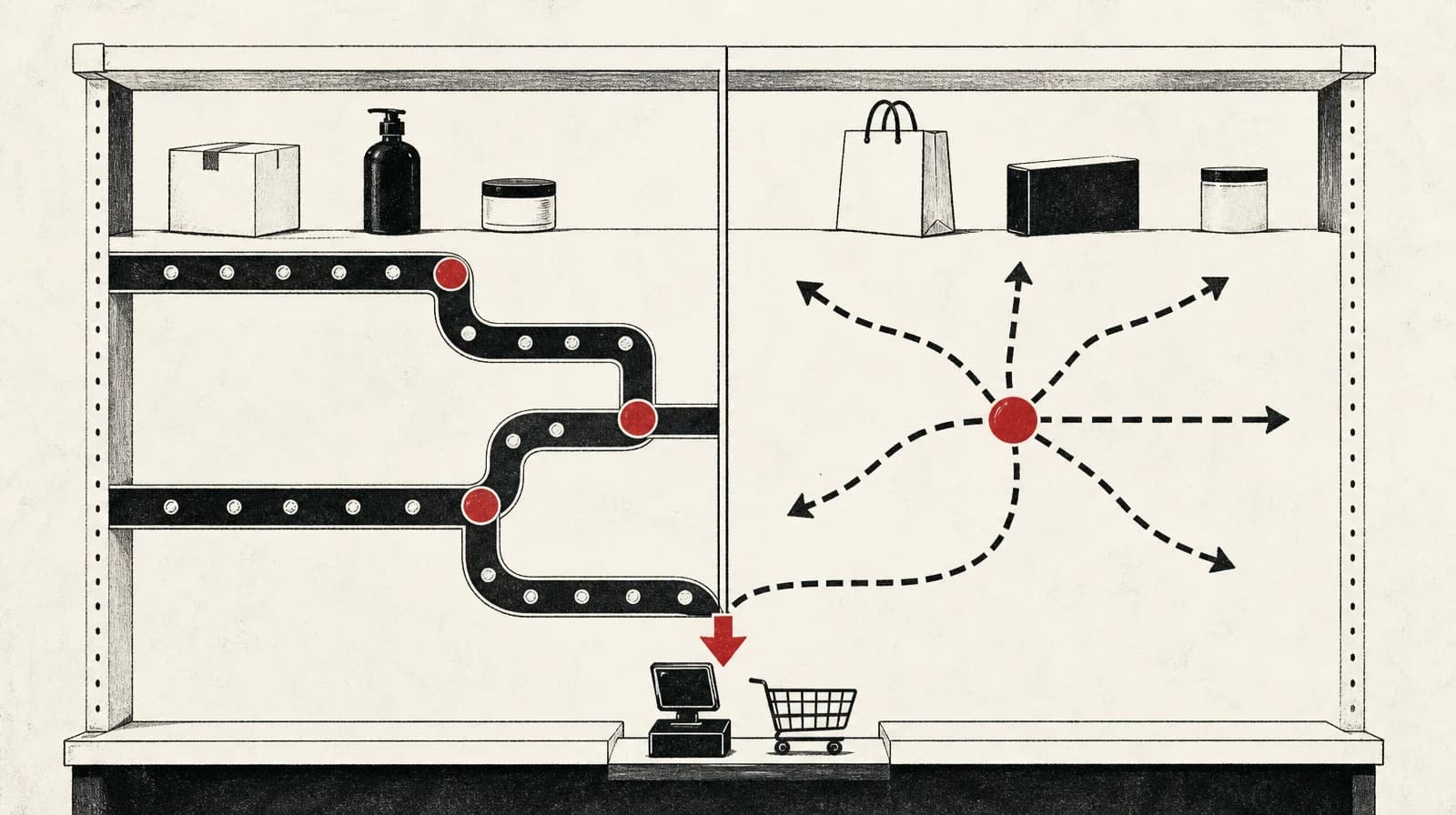
Shopify reports profit only for products and variants that had a cost recorded at the time of sale.
Uncosted sales make that report incomplete.
Read profit only for sales made after those costs were recorded.
What an assistant can check
An assistant can flag incomplete Cost per item data in a variant export. Exclude gift cards before that flag, because Cost per item does not apply to them. The assistant cannot confirm the true cost behind a filled cell.
Shopify's profit reports help states the limit on the report itself: "Profit is reported only for products and variants that had cost recorded at the time they were sold." If you are about to trust a margin figure, check the export first. The figure only describes variants that already had a cost when they sold.
What you are about to trust
Uncosted sales do not get a profit figure. Shopify's reports guide, updated 10 September 2026, says profit is reported only for products and variants that had a recorded cost per item at the time of sale. Read the report as incomplete for those sales. Do not treat a missing cost as a verified margin on a product that cost you nothing.
On the product page, entering Cost per item is optional. Where a cost is entered, Shopify shows projected profit and margin, calculated as ([price - cost] / price) x 100. Do not read a missing projection as a verified margin, or as proof on its own that the cost cell is blank. Check the variant export.
Keep Sidekick profit queries separate
If a cost per item is recorded, Shopify's help says you can ask Sidekick for profit numbers, including gross profit by product, by variant and by point of sale location, but not profit grouped by market. The example Shopify gives is "Show gross profit by product variant for the last 90 days."
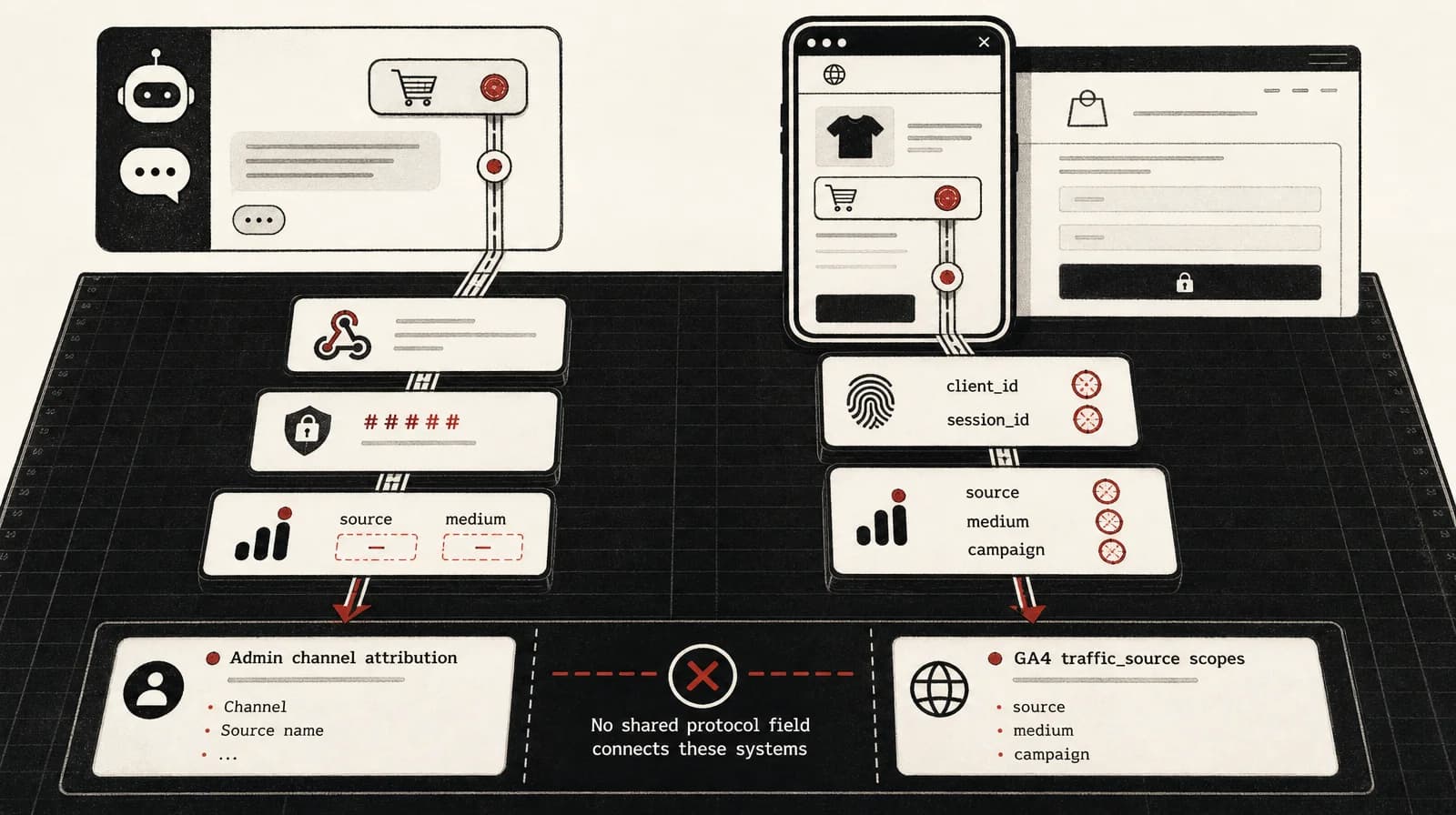
Use that question for profit on variants the report can already price. Shopify's help does not establish that Sidekick can list variants with a missing cost. A screenshot or a summary of the profit report has the same blind spot: the uncosted sales were never given a profit line to inspect. Run the export check separately.
What the field stores
Cost per item is a single static value. Shopify's help says the field contains static data, so the figures in profit reports are only relevant to a specific point in time. There is no dated cost history in the field. If a product has variants, each variant needs its own cost. A cost on the small size does not cover the large.
What belongs in the number is a policy choice. The assistant should not make it. TechResolve argues for landed cost in the field, including manufacturing and shipping to the warehouse, not only the supplier price. Write one policy and use it for every outlier flag and every invoice check.
Editing the field later is unresolved. Shopify's profit wording reads as a record taken when the item sold. That does not tell you whether a change you make tomorrow moves a closed period. Test that on your own store before you reread an old month.
Check variant rows
Export products with one row per variant. Mixtable's documentation says Cost per item belongs to the variant rather than the parent product, which is why a product-level row is the wrong unit. Entering a cost is optional, so do not treat a blank as a field Shopify has required you to fill.
Column names depend on the export. In Shopify's native CSV the column is Cost per item. In a Shopify Transporter CSV it is Variant Inventory Cost. In a Matrixify export the column is Variant Cost, and Matrixify's documentation says that field is empty when no cost is set. Whether a native export writes a blank or a 0 is not confirmed in Shopify's help, so flag both.
Drop gift card products out of the file, or tell the assistant to ignore them, using whichever column identifies gift cards in your export. Then ask for a list, not for filled-in costs:
- an empty cost cell
- a cost equal to 0
- a cost greater than or equal to the variant price on the same row
- a product where at least one variant has a cost and at least one variant is blank or zero
A cost at or above price needs a person. Under the admin formula, projected margin would be zero or negative. That can be a bad entry, or a price you meant. The assistant should not overwrite it.
After gift cards are out of the file, this is enough instruction:
List every variant row where the cost column is blank or 0, where cost is greater than or equal to price, or where the same product mixes costed and uncosted variants. Use the column names in this file. Do not invent costs. Do not treat a filled cost as confirmed. Return the product, the variant, the price, the cost, and the rule that failed.
Write the policy before outlier flags
Presence checks can run before the policy. Outlier checks cannot. "Too cheap" only means something against a written rule.
Pick one and write it down:
- Supplier unit cost only. Freight, duty and fees stay on a landed-cost sheet, outside the Shopify field.
- Landed unit cost in Cost per item, including manufacturing and shipping to the warehouse.
Do not put ad spend, payment fees or shipping-label cost into Cost per item so that product margin can stand in for contribution. This check does not set Meta or Google Ads spend.
After the policy exists, you can add a band and have the assistant flag filled costs outside it. The band is yours. A supplier whose units should land near £12 is not the same case as a supplier whose units land near £40. Without a band, stop after the four presence rules.
A filled cell can still be wrong
The figures below are a labelled hypothetical, not a result from a store.
A variant sells at £48. Cost per item in the export is £18. The cell is not blank, not zero, and not above the price. The presence check passes.
The supplier invoice is £18 for the unit. Your landed-cost sheet adds £7 of inbound freight. If the written policy is supplier unit cost only, £18 matches the invoice, and the £7 stays on the sheet. If the written policy is landed cost, the cell is filled and still short. The export has no freight line for the assistant to see. The person with the invoice and the sheet is the one who can call the cell wrong.
Match a sample to invoices
Give the true-cost check to a person. Compare rows with supplier invoices or with the landed-cost sheet, and judge them only against the written policy.
Check the whole file if the catalogue is small. If it is not, sample more than one supplier, and include at least one product with several variants.
The assistant can sort the rows to open. It should not mark a row reconciled.
When you need a profit figure for a finance conversation, leave this export. Shopify's profit reports help points to financial reports in an ERP or accounting system, a reporting app from the Shopify App Store, or calculating costs, profits and losses manually.
Which sales the report can cover
Limit the profit report to sales made after the costs you accept were already recorded on those variants. Filling a blank today does not, under Shopify's at-time-of-sale rule, attach a cost to a sale that had none. Whether an edit also rewrites a closed period is a separate question, and it is unresolved.
Run one restore test before you trust a closed period:
- Choose one variant that already has a cost, and copy that cost somewhere you can restore it from.
- Ask Sidekick for gross profit for that variant over a closed period. Shopify's help says this kind of by-variant profit question is available once a cost is recorded.
- Change Cost per item.
- Ask the same question for the same period and see whether the figure moves.
- Put the original cost back and ask once more, so you are not left with the test value.
If the closed figure moves, changing a cost that was already recorded can rewrite a period you thought was finished. If it does not move, that edit did not change the closed figure on your store that day. The test uses a variant that already had a cost, so it does not show what happens when you fill a blank. The result belongs to your store on the day you test. Do not treat it as a general rule.
When you are ready to fill costs, Shopify's advice is to add them to all existing products at the same time, with the bulk editor or a CSV import. TechResolve describes hand entry for a small catalogue and the bulk editor for hundreds of products. Do the update before the period you intend to read.
Stop at presence and rules
Sources
- Profit reports help.shopify.com Profit is reported only for products and variants that had cost recorded at the time they were sold.
- Product details page help.shopify.com Entering cost per item is optional. If you enter costs, Shopify advises adding them to all existing products at the same time with the bulk editor or a CSV import.
- Shopify Reports and Analytics: Beginner's Guide (2026) shopify.com Updated 10 September 2026, according to the supplied page passages.
- Products import/export documentation matrixify.app If no cost value is set for the variant, Matrixify's export leaves that field empty.
- Cost per item in Shopify: How to update it in bulk mixtable.com Each Shopify variant needs its own row because Cost per item belongs to the variant rather than the parent product.
- How to Fix What Most Shopify Profit Report Miss bloomanalytics.io Unsourced vendor claim that most merchants populate Cost per item with supplier cost only, excluding inbound shipping, duty, fees, fulfilment and ad spend. Not used as a measured finding.
- Shopify's Cost per item field unlocks free profit reporting techresolve.blog Opposing inclusion rule: put landed cost, including manufacturing and shipping to the warehouse, in Cost per item, not only the supplier price.